
 EN
EN
 ar
ar bg
bg hr
hr cs
cs da
da nl
nl fi
fi fr
fr de
de el
el hi
hi it
it ko
ko no
no pl
pl pt
pt ro
ro ru
ru es
es sv
sv tl
tl iw
iw id
id lv
lv lt
lt sr
sr sk
sk sl
sl uk
uk vi
vi et
et hu
hu th
th tr
tr fa
fa ms
ms hy
hy ka
ka ur
ur bn
bn mn
mn ta
ta kk
kk uz
uz ku
ku
jointmeters
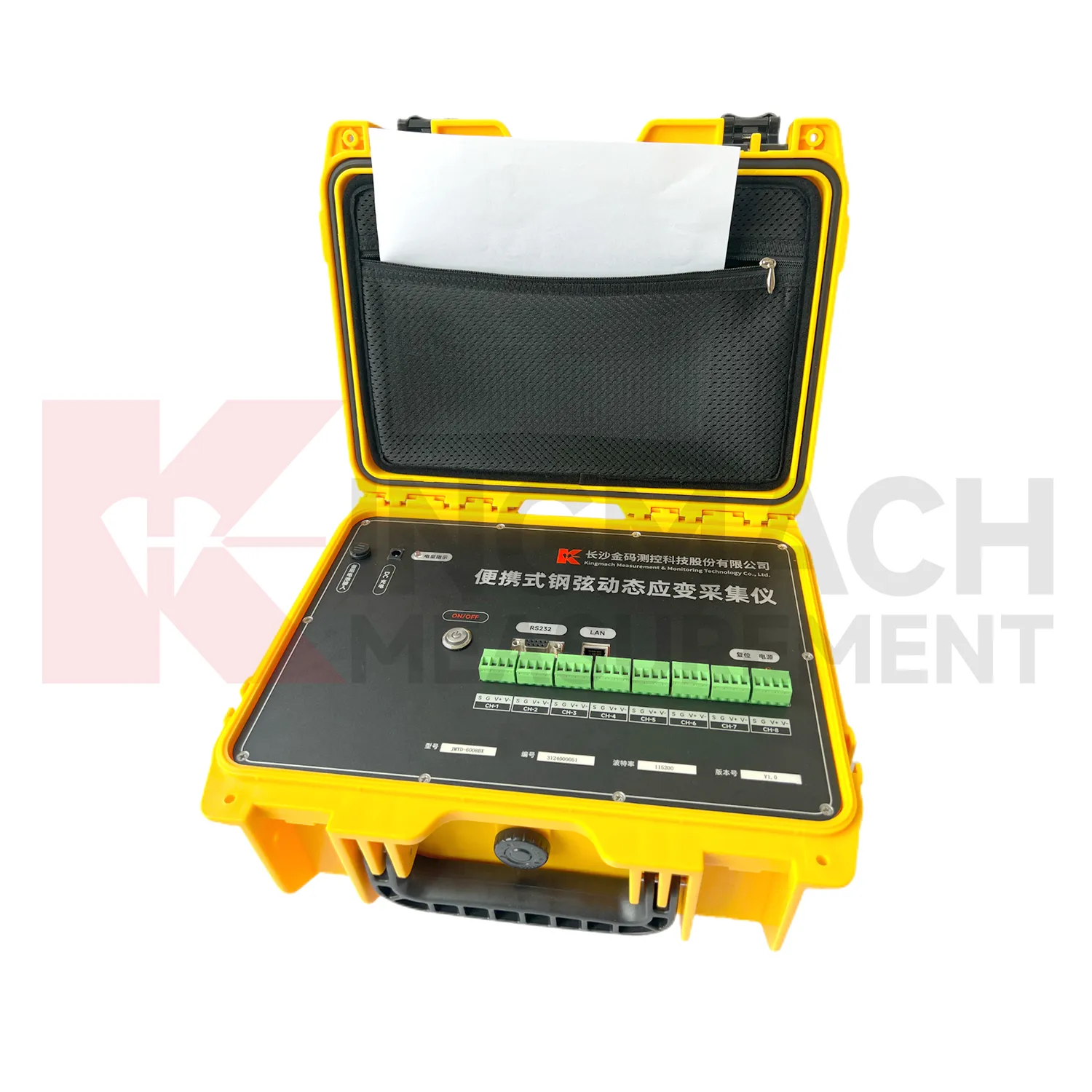
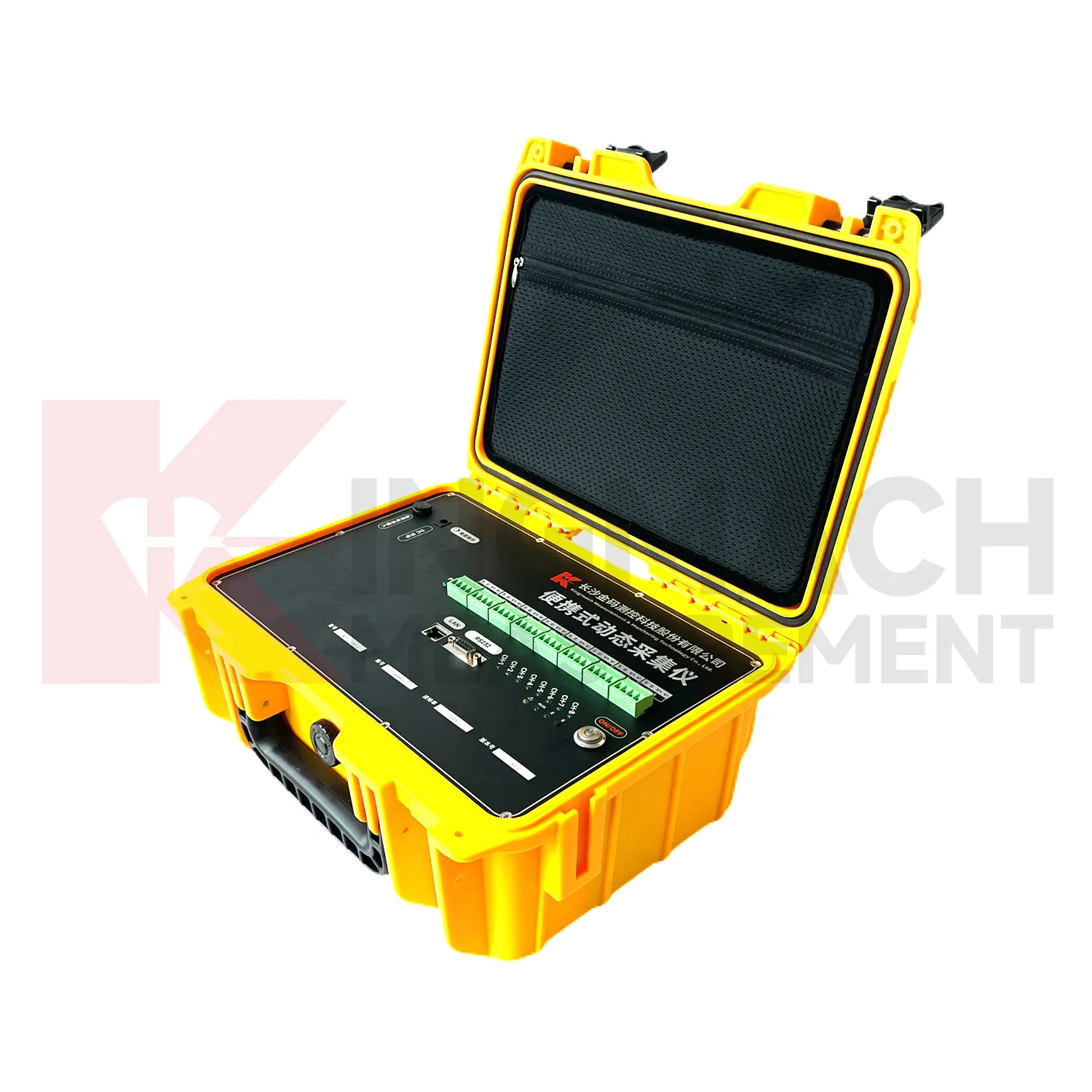
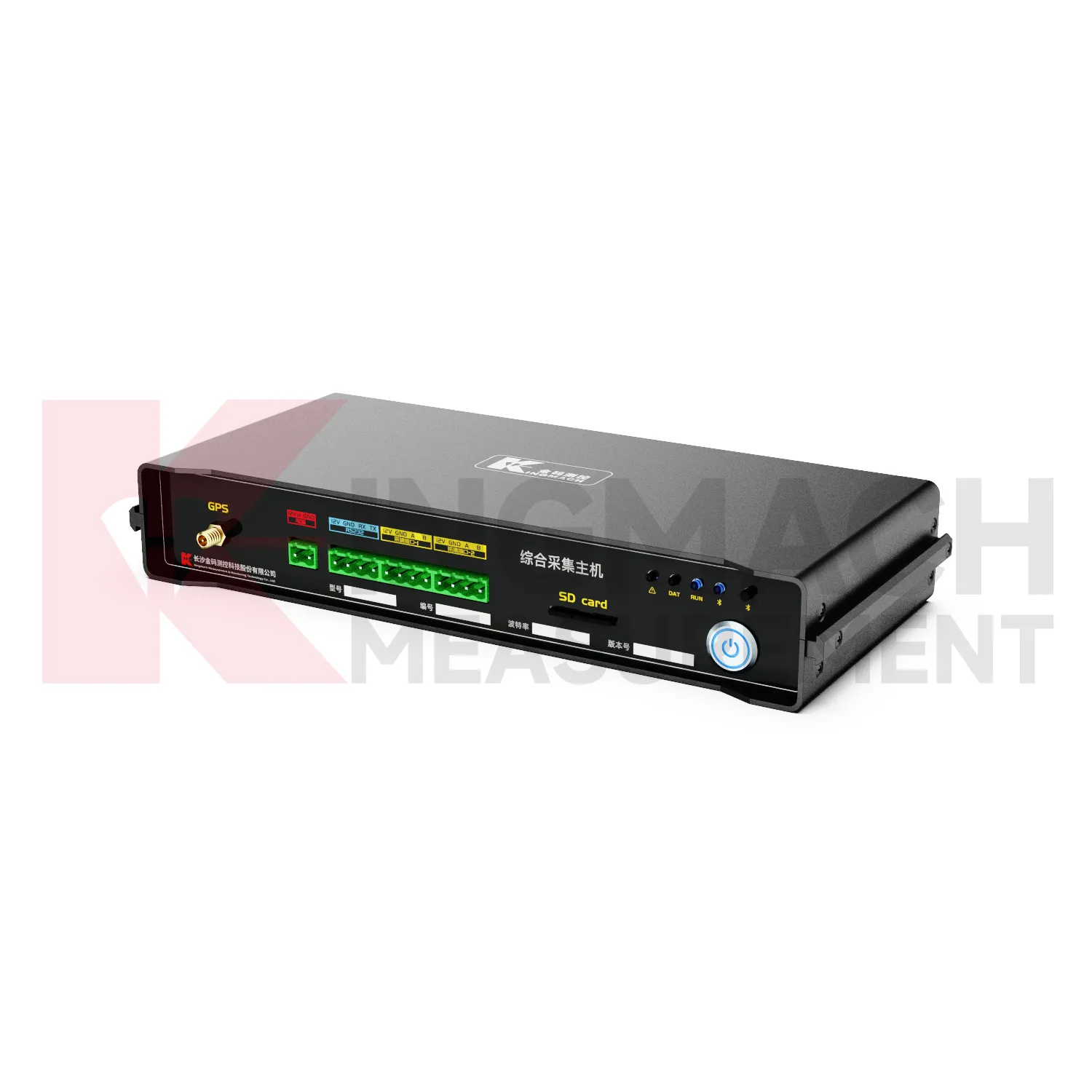
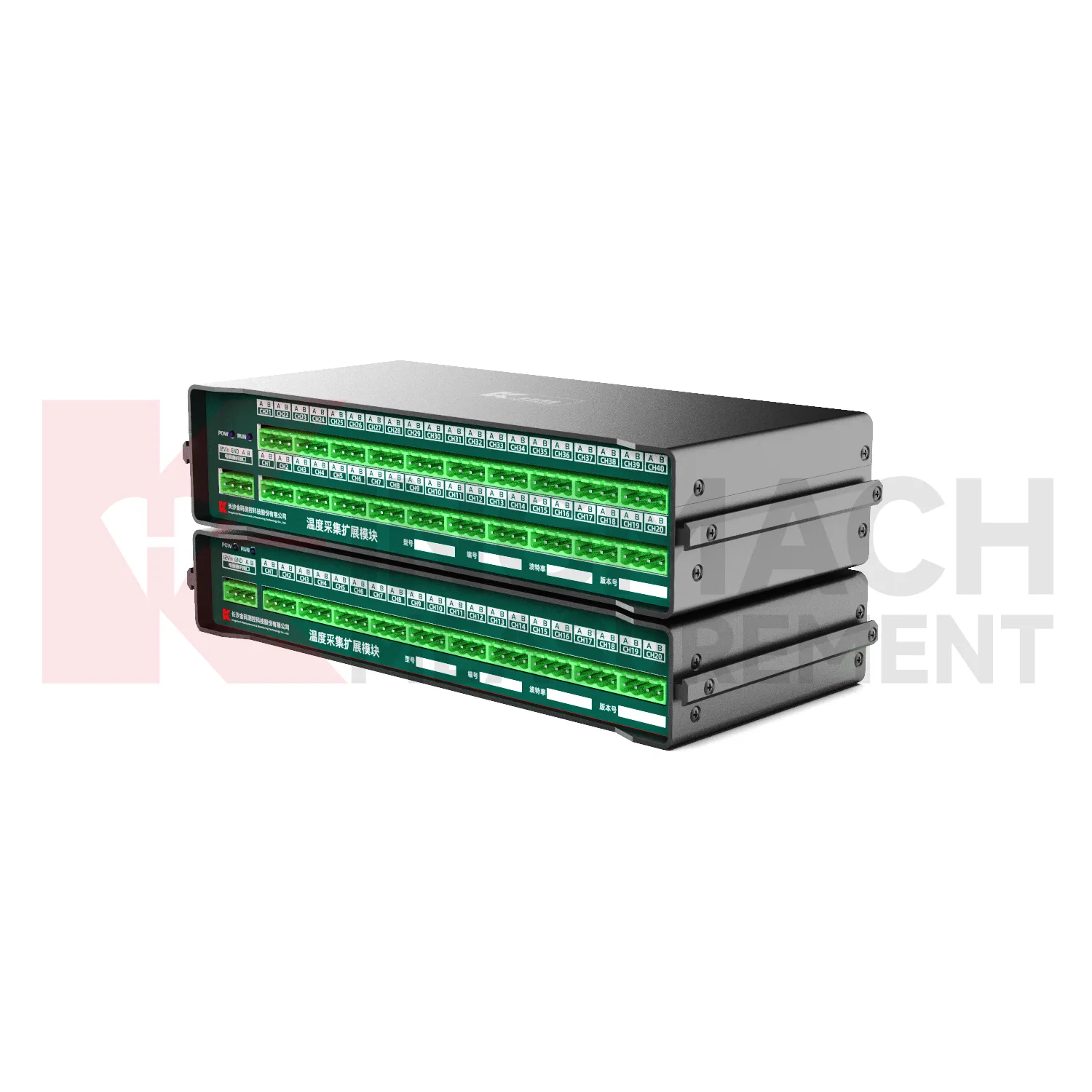
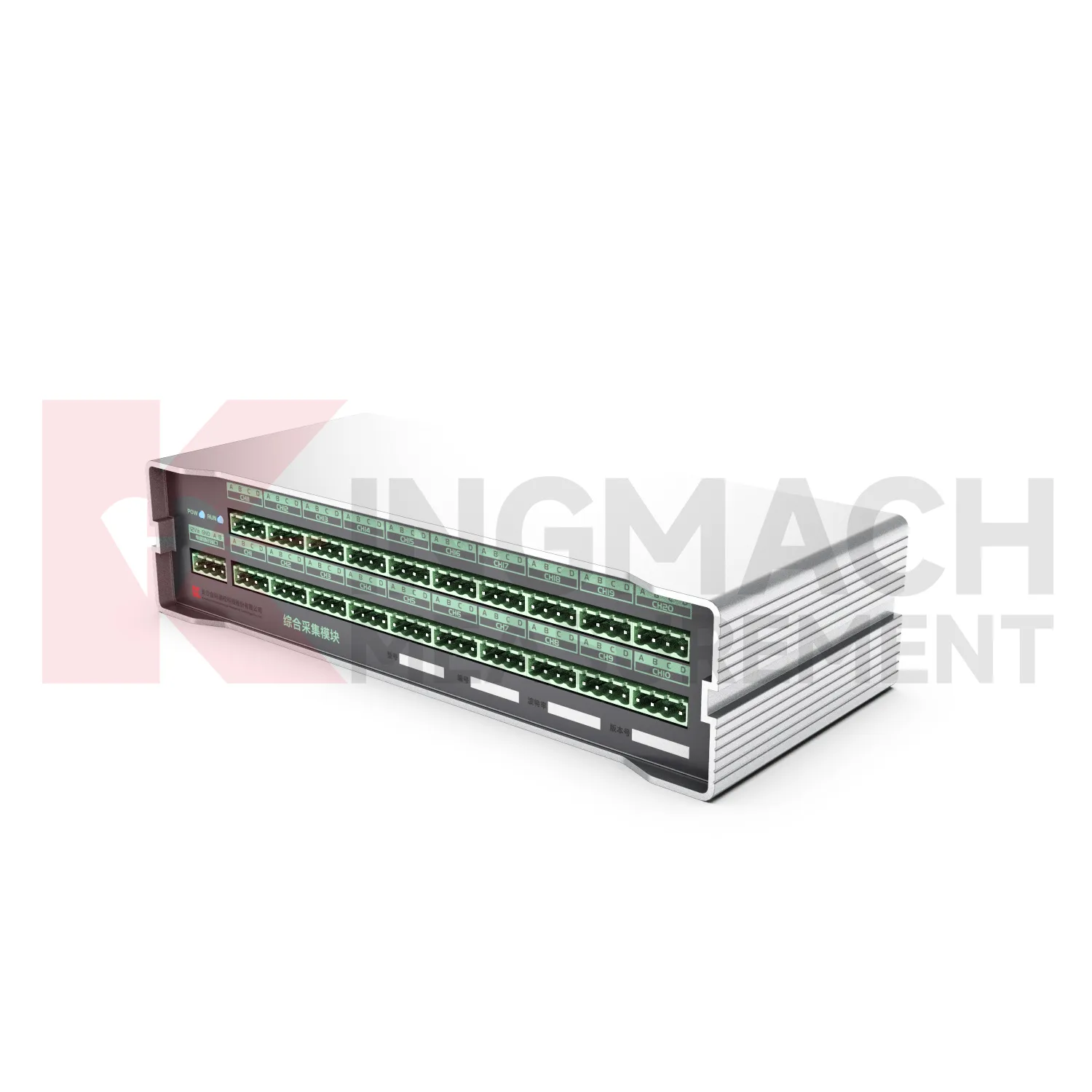
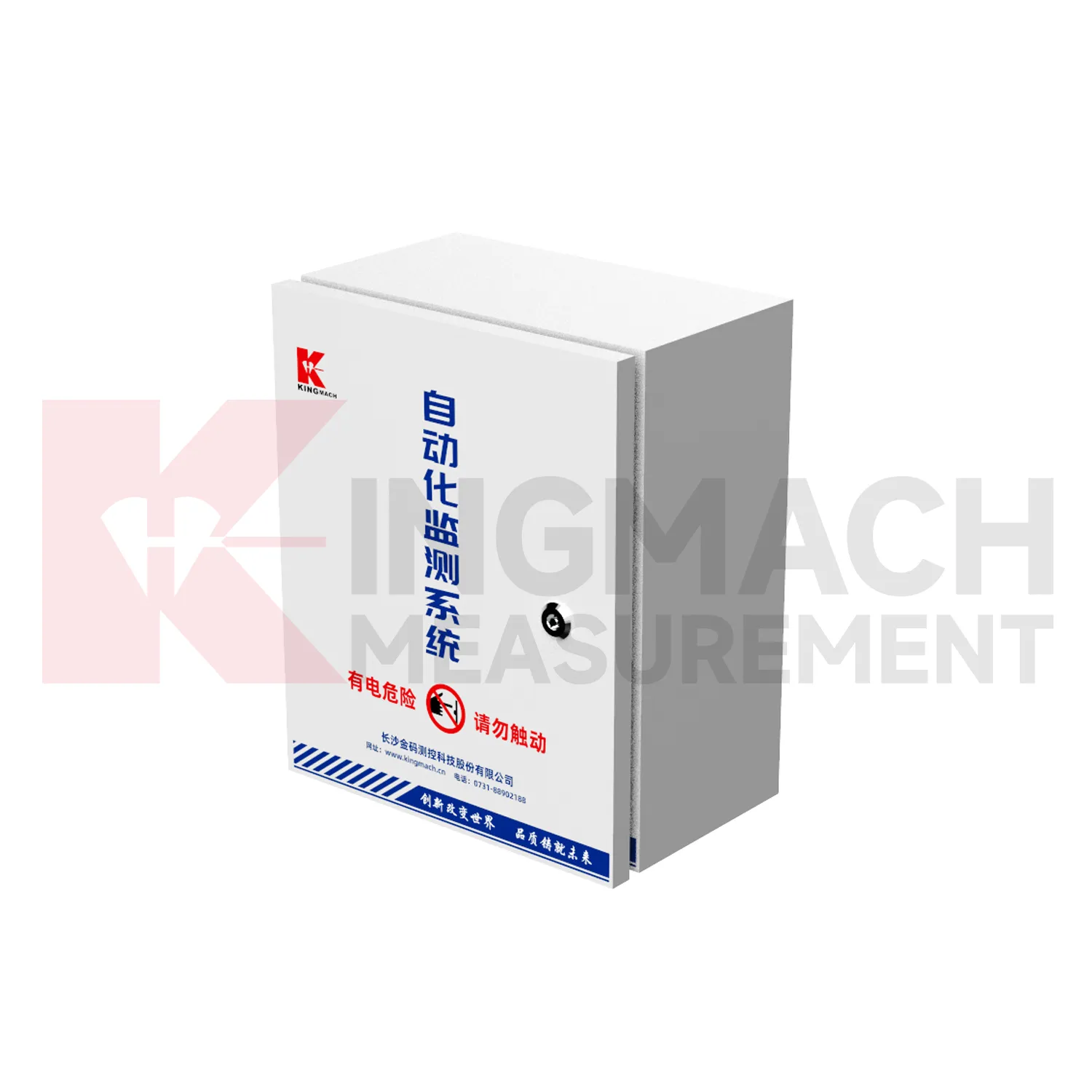
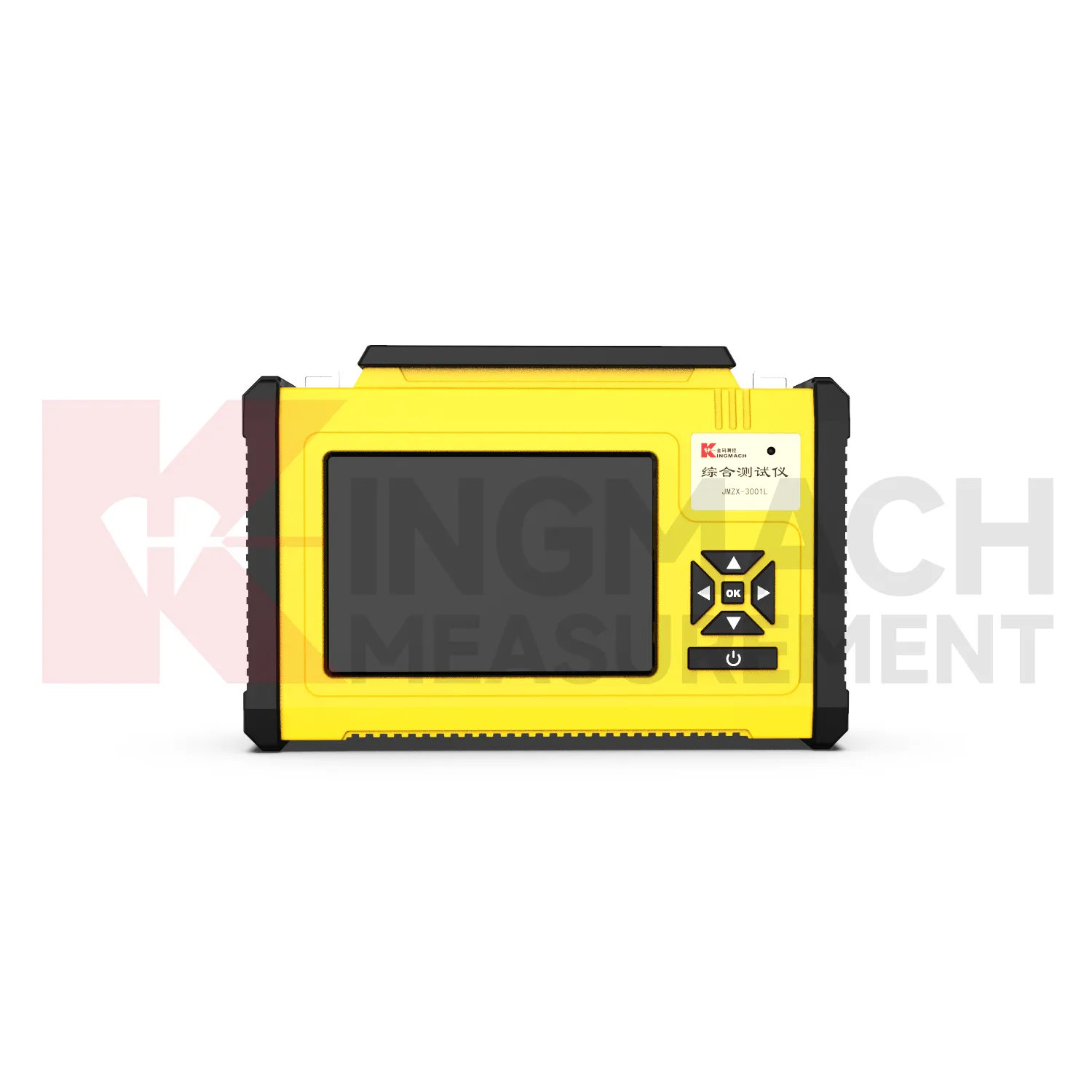
Kingmach jointmeters help owners avoid fragmented monitoring records. Without a clear acquisition device, one team may keep handheld readings, another may keep platform data, and a third may keep inspection notes. A better workflow connects the readout or logger with sensor location, acquisition interval, export method, and review responsibility. For vibrating wire sensors, a readout can support quick field confirmation and stored values. For RS485 digital sensors, a wireless logger can support timed acquisition and active upload. For dynamic signals, portable acquisition equipment can capture events that need faster sampling and synchronized channels. The result is a monitoring record that can be reviewed after the field crew leaves. Fragmentation is especially risky when a project has many structures, temporary work stages, or multiple contractors. The acquisition plan should define one naming logic for points and one method for exporting files. When inspection notes, logger records, and manual checks use the same location language, the owner can compare them without guesswork. This reduces reporting delays and makes abnormal readings easier to trace. It also helps when consultants, contractors, and owners need to review the same monitoring period with different responsibilities but a shared data source. during formal reporting. and audits. consistently.
Application of jointmeters
Long-term asset monitoring uses Kingmach jointmeters when owners need records that survive staff changes and maintenance cycles. A bridge, dam, tunnel, slope, or building may keep sensors in service for years. The data logger must support stable acquisition, readable channel names, dependable storage, and practical data export. Readouts remain useful for periodic verification and repair checks. The monitoring plan should include baseline values, normal behavior examples, battery or power checks, communication status, and a clear handover file. Long-term records are most useful when they show not only values, but also the operating condition and maintenance history behind those values. Asset owners should also plan how records are reviewed after repairs, seasonal changes, platform updates, and sensor replacement. If a channel is renamed or a logger is moved, the history should explain the change. This keeps old and new records comparable. A durable acquisition workflow protects the owner from losing technical continuity when contractors, operators, or maintenance teams change over the life of the asset. This is important when monitoring contracts end but the sensors remain in service for inspection, warranty review, repair planning, or annual safety reporting. The logger history becomes part of the asset file, not a temporary construction record.
The future of jointmeters
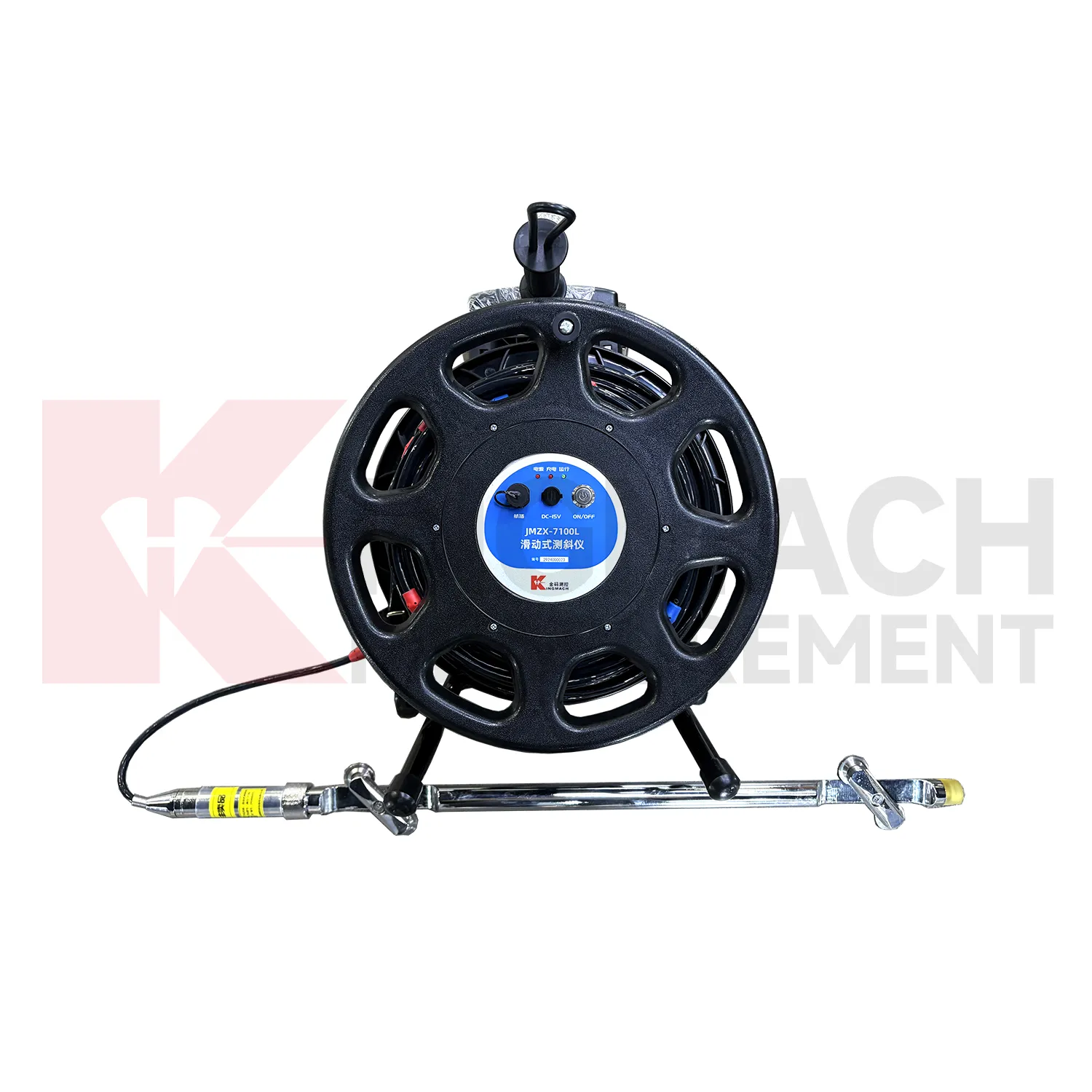
Future Kingmach jointmeters will place more emphasis on station health alongside sensor readings. A monitoring record is stronger when reviewers can see battery condition, communication status, last upload time, enclosure condition, channel activity, and recent maintenance. This is especially useful for remote bridges, slopes, tunnels, dams, and construction sites where a silent station can create uncertainty. Future acquisition systems will help teams separate sensor behavior from device status. A missing value may come from power, communication, wiring, or a real site event, and the record should make that distinction easier to review. Station health reporting can also guide field visits. Instead of checking every station on a fixed route, teams can prioritize devices with weak power, delayed upload, enclosure risk, or repeated data gaps. That will make maintenance work more targeted and keep important monitoring points active during critical periods. It also helps owners protect data continuity without expanding routine site visits.
Care & Maintenance of jointmeters
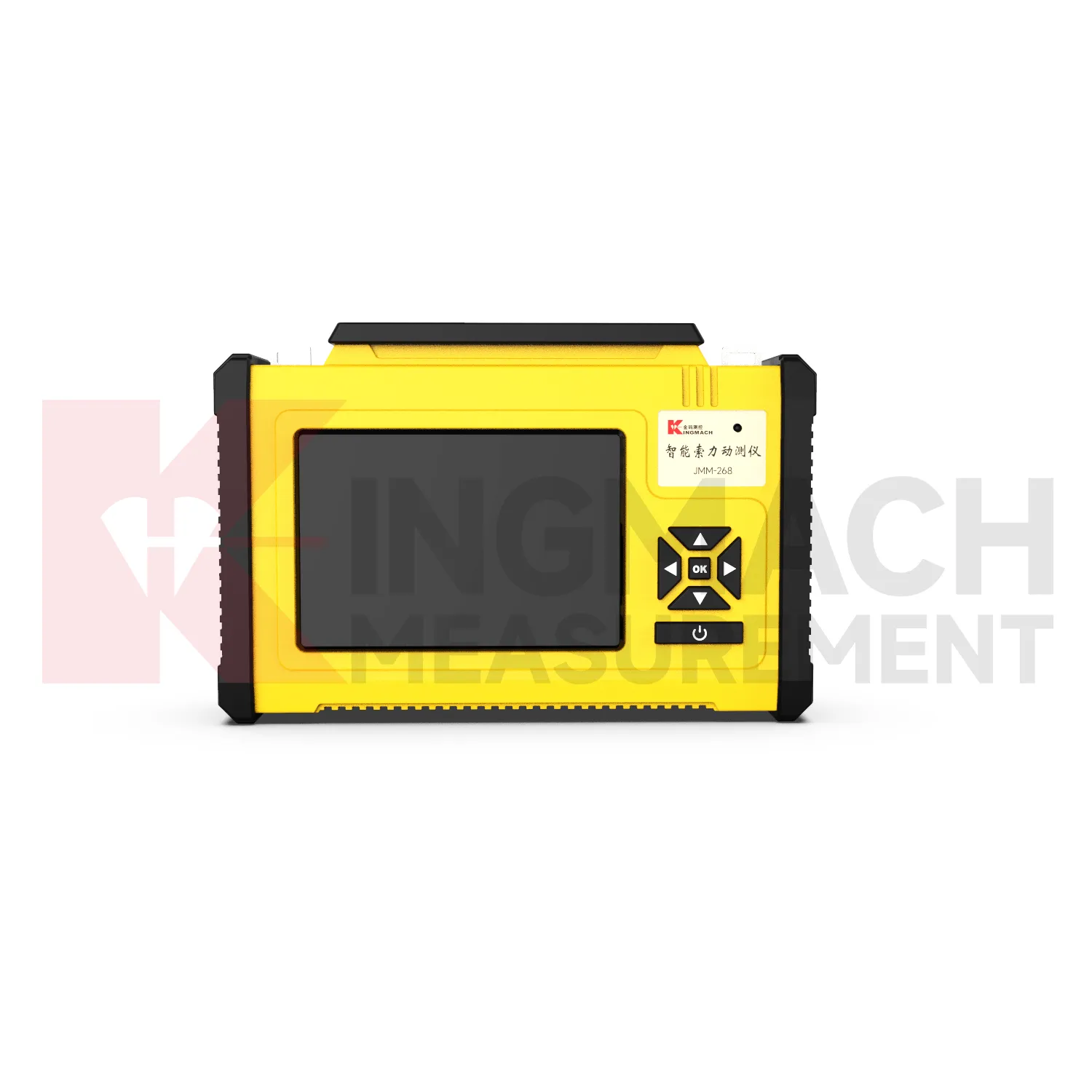
Portable readout maintenance for Kingmach jointmeters should focus on field readiness. Before an inspection route, check battery charge, display condition, connectors, storage space, sensor cables, and export method. Field crews should also confirm that the device time is correct because time stamps are part of the monitoring record. After the route, export and back up readings before the next job overwrites or confuses the file. A readout that is ready before the visit saves time on site and reduces the chance of returning for missed measurements. Field readiness also includes route planning. The operator should know which sensors need verification, which cable adapters are required, and where previous values are stored for comparison. After the visit, any unusual reading should be linked with a point name and site condition. This keeps portable measurements useful after the crew has moved to the next structure. and supports later reporting. for owners. consistently.
Kingmach jointmeters
In structural health monitoring, Kingmach jointmeters help turn distributed sensor points into organized evidence. A bridge may use strain, acceleration, temperature, displacement, and cable force records. A slope may use displacement, pore pressure, rainfall, and tilt records. A tunnel may use convergence, settlement, seepage, and vibration records. Each point has a different physical meaning, so the acquisition system must keep data organized by location and purpose. Readouts and loggers support that organization when they preserve channel identity, measurement time, sensor type, and field notes instead of leaving disconnected numbers in separate files. For remote stations, the acquisition interval, upload status, battery condition, enclosure condition, and last maintenance visit should remain visible so unattended monitoring does not become a blind record. For dynamic tests, timing accuracy, event naming, channel synchronization, and signal conditioning help the team compare motion or strain events with construction activity, traffic, wind, or machinery operation. During handover, photos, channel maps, sensor lists, communication settings, and normal baseline examples help the next team continue review without rebuilding the monitoring history from scattered files.
FAQ
Q: What affects data reliability?
A: Power condition, cable connection, enclosure protection, channel labels, sensor compatibility, time settings, storage status, and field notes all affect reliability.
Q: What should be checked after maintenance?
A: Check the affected channel, first stable reading, cable route, device setting, power status, communication status, and whether the maintenance note is attached to the record.
Q: Why keep raw records?
A: Raw records allow engineers to review the original measurement behavior before filtering, summarizing, or comparing values with other site information.
Q: How do dynamic acquisition devices help?
A: They capture short events such as vibration, train passage, impact, blasting, or machinery activity with timing and channel information needed for later review.
Q: How can data gaps be reduced?
A: Use stable power, suitable acquisition intervals, protected enclosures, clear maintenance routines, communication checks, and scheduled data review. The record stays useful when point names, channel labels, sensor type, measurement time, and field condition are kept together, because later reviewers can connect the number with the actual structure and inspection history.
Reviews
Joshua Clark
We ordered a full monitoring solution including sensors and data loggers. Everything works seamlessly together. Great supplier!
Christopher Martinez
Very satisfied with the readouts & data loggers. User-friendly interface and supports multiple sensor inputs.
Latest Inquiries
To protect the privacy of our buyers, only public service email domains like Gmail, Yahoo, and MSN will be displayed. Additionally, only a limited portion of the inquiry content will be shown.
Emma***@gmail.comCanada
Dear Sir/Madam, we are interested in displacement transducers and settlement sensors for a geotechni...
Sophia***@gmail.comUnited Kingdom
Good day, we need environmental monitoring sensors including temperature, humidity, and wind sensors...
Related product categories
- the readout
- best data loggers
- data loggers for sale
- best temperature data loggers
- cloud integration for data loggers
- data loggers for temperature
- data loggers temperature and humidity
- temp and humidity data loggers
- industrial data loggers
- data loggers for temperature and humidity
- Sliding Inclinometer
- inclinometer